How to Use StreamCoach Guide
Hear the guided walkthrough explain how StreamCoach helps you read the shot and decide what to adjust.
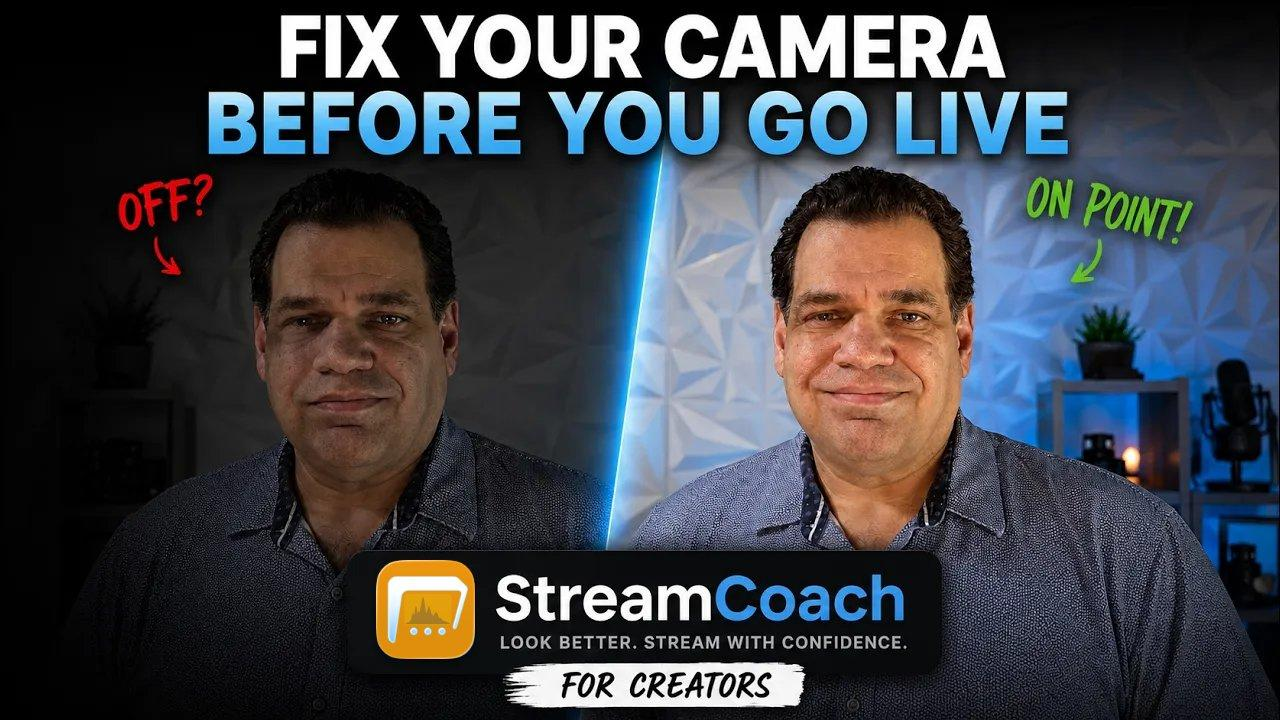

StreamCoach is a native macOS camera coach for creators who want to understand the shot before they go live. It uses AI to look at one real frame and turn the usual pre-stream guessing into a clearer next move.
Before a stream, the camera can be almost right and still feel wrong. The face is a little dim. The color feels cool. The background is louder than the subject. You start changing settings, but every adjustment creates another question.
I built StreamCoach around that moment. Not to bury creators in scopes or camera jargon, but to make the image easier to read before the stream starts.
Instead of judging the stream in theory, the coach starts with the actual frame from your desk, then weighs the camera, lighting, profile, reference look, and controls that shape it.
Click any video to watch the full walkthrough in place. The first two clips include audio when opened.
Hear the guided walkthrough explain how StreamCoach helps you read the shot and decide what to adjust.
Watch the AI review a frame, speak through the findings, and turn the analysis into practical next steps.
Move through false color, waveform, scopes, and other monitoring overlays built into the main workspace.
Choose a creative look target so StreamCoach can shape feedback around the style you want.
Map the room, camera, subject, lights, and windows so coaching has real setup context.
Review supported device controls, status, and diagnostics for camera hardware workflows.
Configure AI setup and context for the coaching and analysis features.
Open the settings hub where StreamCoach keeps AI, voice, camera, calibration, platform, studio, and support options.
Choose the camera input and profile StreamCoach should use for preview and analysis.
Adjust spoken coaching feedback and voice behavior for analysis and follow-up responses.
Preview visual style options locally before changing the source camera feed.
Map StreamCoach guidance to the streaming app or platform you actually operate.
Set calibration references that help compare the live shot against a trusted baseline.
Review compatible gear and creator resources connected to the studio workflow.
View app details, privacy, support, and general StreamCoach information.
As of May 24, 2026, this is the current shape of StreamCoach: what feels solid today, what is still being refined through real use, and where new features will keep arriving as the app matures.
These are the apps, services, cameras, and workflows StreamCoach is being shaped around.
Coming soon for macOS
A calmer way to check the shot before the stream starts.
Send a feature request


